2016 Cats and Dogs Calendars
Here are my archive 2016 cat and dog calendars. One year they might line up the days and dates again. It's not so easy recycling old calendars! The first features cat and dog photographs recycled from the year 2015. You'll meet the new puppy Winnie, and two new kittens Buster and Tiddles, together with the older cats, and Rusty the senior dog.

2016 Cats and Dogs Calendar 1
The calendar is in a PDF format, and can be downloaded and printed for no charge. There are fourteen pages in all. Some folk like to print off one month at a time for their noticeboards. Because the full file might be annoyingly big for you to download, I've split the calendar into four quarters. Here they are below.
 2016 Moosey Cats and Dogs Calendar 1 - 1st Quarter (PDF 37 MB)
2016 Moosey Cats and Dogs Calendar 1 - 2nd Quarter (PDF 26 MB)
2016 Moosey Cats and Dogs Calendar 1 - 3rd Quarter (PDF 25 MB)
2016 Moosey Cats and Dogs Calendar 1 - 4th Quarter (PDF 44 MB)
The old faithful furry followers are still here, though two loved Moosey cats have passed on since these photographs were taken. Ginger Percy and Grey Lilli-Puss - we still miss you!

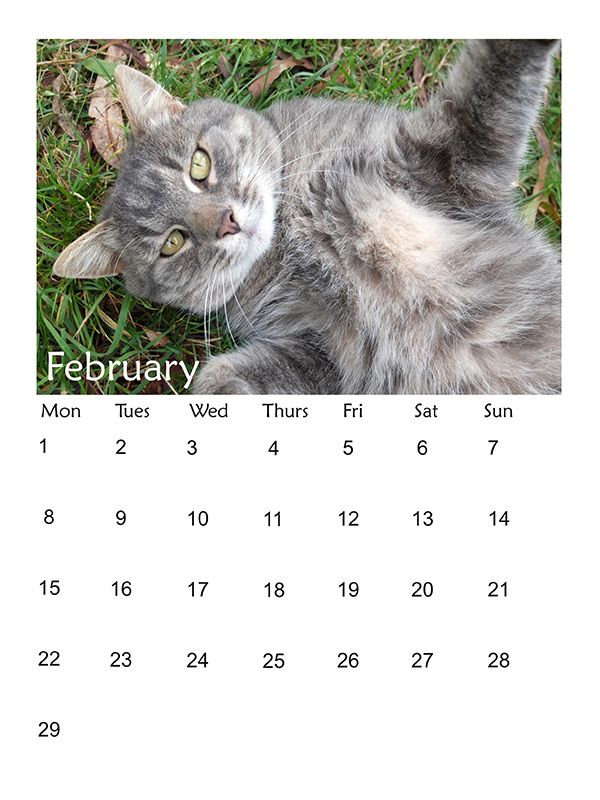


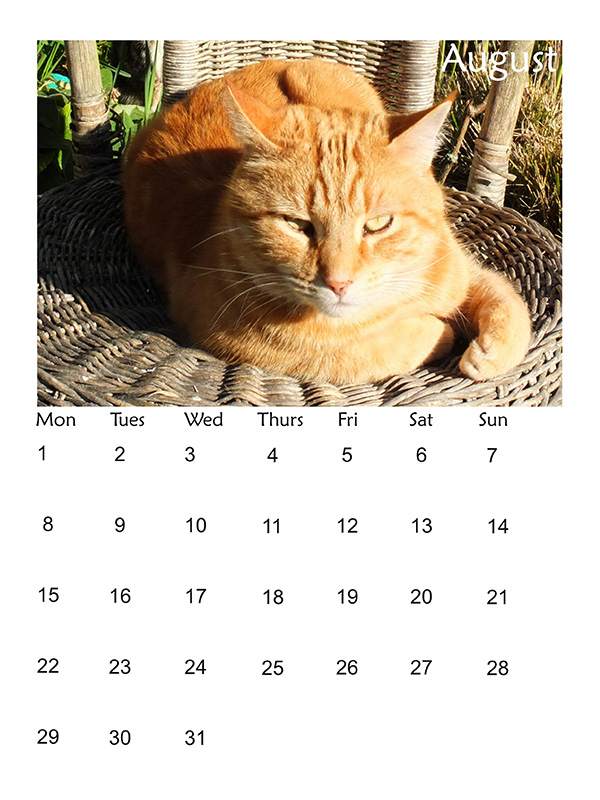


This 2016 calendar featured six cats, with photographs taken in 2014 : the fatties Tiger and big Fluff-Fluff, the greys Minimus and Lilli-Puss, ginger Percy, and Histeria the tabby.
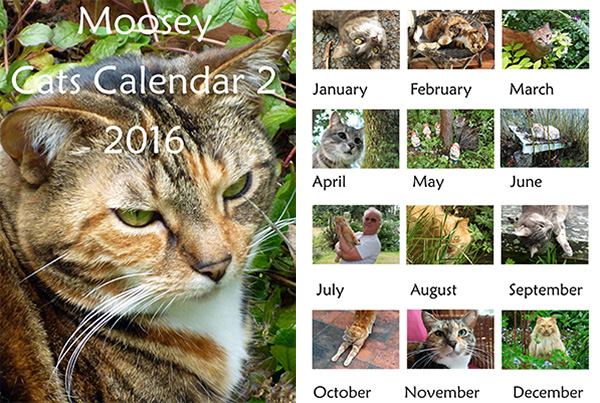
2016 Cats Calendar 2
Again I've split the calendar into four quarters. Here they are below
2016 Moosey Cats Calendar 2 - 1st Quarter (PDF 44 MB)
2016 Moosey Cats Calendar 2 - 2nd Quarter (PDF 25 MB)
2016 Moosey Cats Calendar 2 - 3rd Quarter (PDF 26 MB)
2016 Moosey Cats Calendar 2 - 4th Quarter (PDF 37 MB)
I try and take photographs of the cats in the garden, as there's usually one somewhere near where I'm working. Tiger the tortoiseshell is the exception - she stays near the house. Well, more specifically near the fridge.


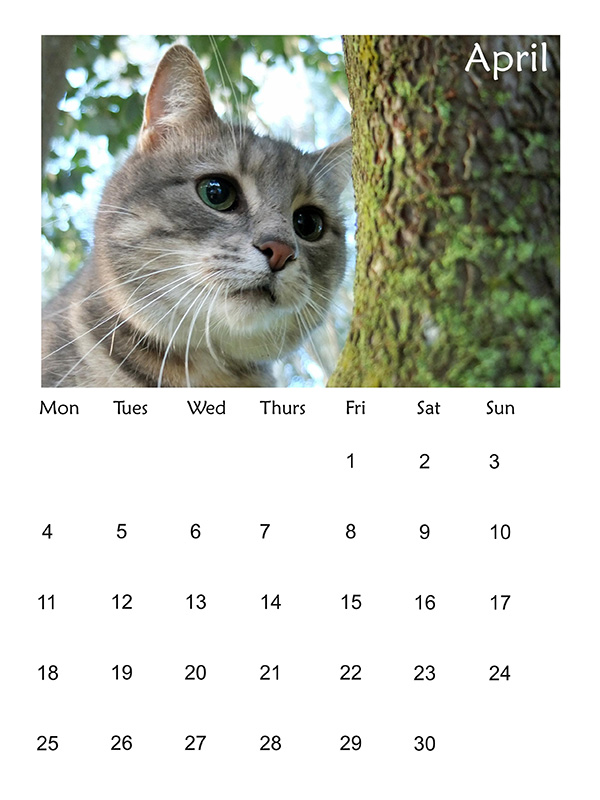


This 2016 calendar featured the latest photographs of the Moosey cats and dogs. Winnie the puppy is now a sleek, fluffy one-year-old, and last year's kittens have turned into cats.
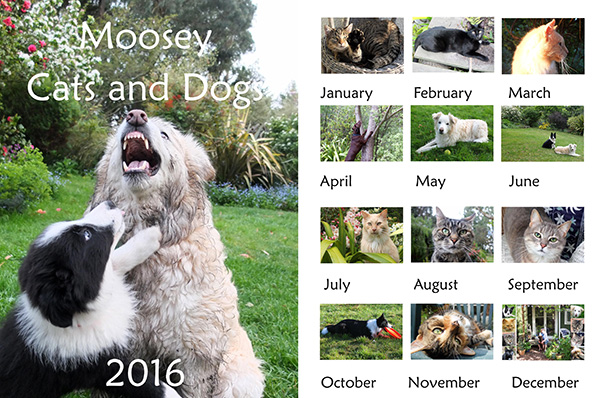
New 2016 Cats and Dogs Calendar
New 2016 Moosey Cats and Dogs Calenda - 1st Quarter (PDF 44 MB)
New 2016 Moosey Cats and Dogs Calendar - 2nd Quarter (PDF 25 MB)
New 2016 Moosey Cats and Dogs Calendar - 3rd Quarter (PDF 26 MB)
New 2016 Moosey Cats and Dogs Calendar - 4th Quarter (PDF 37 MB)
All the cats and the dogs provide lots of good company, especially in my garden. I'd be very lonely without my furry friends.
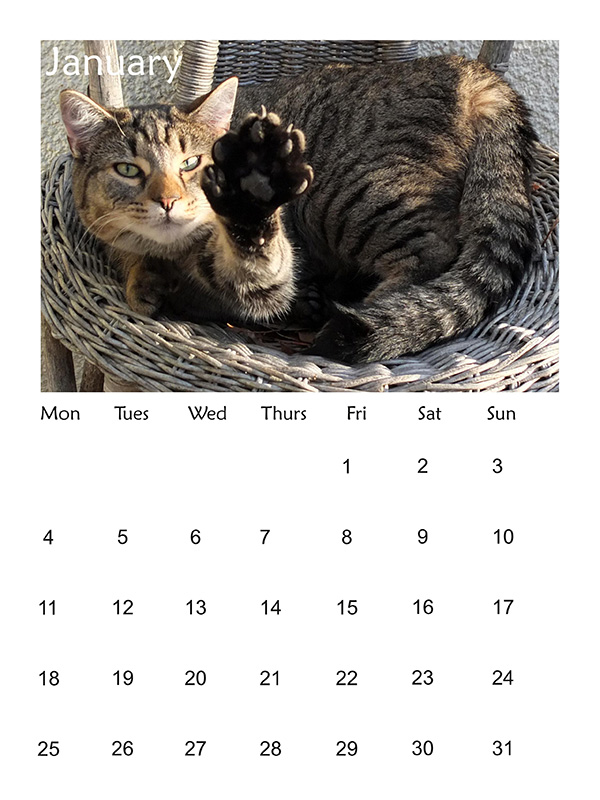


Brown dog Escher, featured in April, is just visiting, living with us in the country while his town house is being built. He's a big smoocher, and I'm going to miss him dreadfully when he leaves.
Adobe Acrobat Reader
Adobe Acrobat Reader is required to view PDF files. This is a free program available from the Adobe Web Site. Follow the download directions on the Adobe web site to get your copy of Adobe Acrobat Reader. And check the printing options for PDF files - for example, you can just print off one page at a time, or fit two pages on one sheet of paper. Could be useful!